Exercise 1: Cross-Chain Real Estate

The full source code for this boot camp is available at: https://github.com/andrejrakic/rwa-primerarrow-up-right

Calling The Zillow API

Before creating our tokens, let's look at where we will source our data.

For this example, we'll be using Zillow's API arrow-up-right

circle-info

This is a test API. For more information about the API, please refer to the Zillow Documentationarrow-up-right.

Let's start with our JavaScript function to get the information we need to create the NFT.

For our NFT's metadata, we need to obtain the following:

  • Property Address

  • Year Build

  • Lot Size

  • Living Area

  • Number of Bedrooms

We can use the API to obtain this information. We'll use the Functions Playgroundarrow-up-right to test our JavaScript before adding it to our contract.

// Import the ethers library from npm
const { ethers } = await import("npm:ethers@6.10.0");
const Hash = await import("npm:ipfs-only-hash@4.0.0");

// Make an HTTP request to fetch real estate data
const apiResponse = await Functions.makeHttpRequest({
  url: `https://api.bridgedataoutput.com/api/v2/OData/test/Property('P_5dba1fb94aa4055b9f29696f')?access_token=6baca547742c6f96a6ff71b138424f21`,
});

// Extract relevant data from the API response
const realEstateAddress = apiResponse.data.UnparsedAddress;
const yearBuilt = Number(apiResponse.data.YearBuilt);
const lotSizeSquareFeet = Number(apiResponse.data.LotSizeSquareFeet);
const livingArea = Number(apiResponse.data.LivingArea);
const bedroomsTotal = Number(apiResponse.data.BedroomsTotal);

const metadata = {
  name: "Real Estate Token",
  attributes: [
    { trait_type: "realEstateAddress", value: realEstateAddress },
    { trait_type: "yearBuilt", value: yearBuilt },
    { trait_type: "lotSizeSquareFeet", value: lotSizeSquareFeet },
    { trait_type: "livingArea", value: livingArea },
    { trait_type: "bedroomsTotal", value: bedroomsTotal }
  ]
};

// Stringify the JSON object
const metadataString = JSON.stringify(metadata);

const ipfsCid = await Hash.of(metadataString);
console.log(ipfsCid);

return Functions.encodeString(`ipfs://${ipfsCid}`);

Pricing Information

We'll also gather the pricing informationarrow-up-right from the same API with a separate call:

Storing Our Function On-chain

Our JavaScrip is ready to go. We will now create our first smart contract to store the code on-chain.

Create a contract named FunctionsSource.sol

circle-info

Storing JavaScript in a smart contract can be tricky. Please note:

  • Protect each line with a pair of"s

  • 's and `s are used in the code to escape strings

  • It is possible to store all of the JavaScript in a single line, but you must ensure proper; placement

Using Factory Pattern to issue ERC-1155 tokens

Our tokenized asset project consists of multiple different smart contract that we need to develop during this boot camp. You can see the whole architecture in the picture below. The Chainlink services we will use for each of them are marked with blue letters.

Create ERC1155Core.sol

First of all, we would need to create the ERC1155Core.sol file. This smart contract holds all the logic related to ERC-1155 standard, plus the custom mint and mintBatch functions that we will use for the initial issue and cross-chain transfers via CCIP later.

Create CrossChainBurnAndMintERC1155.sol

This contract will inherit the ERC1155Core.sol and expand its basic ERC-1155 functionality to support cross-chain transfers via Chainlink CCIParrow-up-right.

Any non-fungible token is implemented by a smart contract that is intrinsically connected to a single blockchain. This means that any cross-chain NFT implementation requires at least two smart contracts on two blockchains and interconnection between them.

With this in mind, cross-chain NFTs can be implemented in three ways:

  • Burn-and-mint: An NFT owner puts their NFT into a smart contract on the source chain and burns it, in effect removing it from that blockchain. Once this is done, an equivalent NFT is created on the destination blockchain from its corresponding smart contract. This process can occur in both directions.

  • Lock-and-mint: An NFT owner locks their NFT into a smart contract on the source chain, and an equivalent NFT is created on the destination blockchain. When the owner wants to move their NFT back, they burn the NFT and it unlocks the NFT on the original blockchain.

  • Lock and unlock: The same NFT collection is minted on multiple blockchains. An NFT owner can lock their NFT on a source blockchain to unlock the equivalent NFT on a destination blockchain. This means only a single NFT can actively be used at any point in time, even if there are multiple instances of that NFT across blockchains.

We are going to implement the Burn-and-Mint mechanism.

In each scenario, a cross-chain messaging protocol in the middle is necessary to send data instructions from one blockchain to another.

If you try to compile this contract, you will see a compilation error. This is because there is an import to the Withdraw.sol smart contract from the utils folder. Since we will fund the CrossChainBurnAndMintERC1155.sol smart contract with LINK tokens for CCIP fees, the Withdraw.sol smart contract will hold a logic for withdrawal any ERC-20 token and native coins from this smart contract.

Create Withdraw.sol smart contract in the ./utils folder.

Create RealEstatePriceDetails.sol

This helper smart contract will be used to periodically get price details of our real-world assets using Chainlink Automation and Chainlink Functions combined. For it to function, we have already created the JavaScript script and put its content into the FunctionsSource.sol smart contract.

Create RealEstateToken.sol

And finally, let's create our main smart contract which just inherits all of the above contracts.

Deploy RealEstateToken.sol to Avalanche Fuji

Make sure to turn the Solidity compiler optimizer on to 200 runs and set EVM version to "Paris".

To deploy the RealEstateToken.sol token to Avalanche Fuji we will need to provide the following information to constructor

  • uri_: "" (this is the base ERC-1155 token URI, we will leave it empty)

  • ccipRouterAddress: 0xF694E193200268f9a4868e4Aa017A0118C9a8177

  • linkTokenAddress: 0x0b9d5D9136855f6FEc3c0993feE6E9CE8a297846

  • currentChainSelector: 14767482510784806043

  • functionsRouterAddress: 0xA9d587a00A31A52Ed70D6026794a8FC5E2F5dCb0

Create Issuer.sol

As we already mentioned, the Issuance part is out of scope for this bootcamp. So, for simplicity we will just mint a mock version of real estate in a form of ERC-1155 tokens directly to Alice's address for the purpose of this exercise.

To accomplish that, we will use the Issuer.sol helper smart contract.

Deploy Issuer.sol to Avalanche Fuji

To deploy the Issuer.sol token to Avalanche Fuji we will need to provide the following information to constructor

  • realEstateToken: The address of the RealEstateToken.sol contract we previously deployed

  • functionsRouterAddress: 0xA9d587a00A31A52Ed70D6026794a8FC5E2F5dCb0

Call the setIssuer function of the RealEstateToken.sol smart contract

On Avalanche Fuji, call the setIssuer function of the RealEstateToken.sol smart contract and provide:

  • _issuer: The address of the Issuer.sol smart contract you previously deployed

You use a Chainlink Functions subscription to pay for, manage, and track Functions requests.

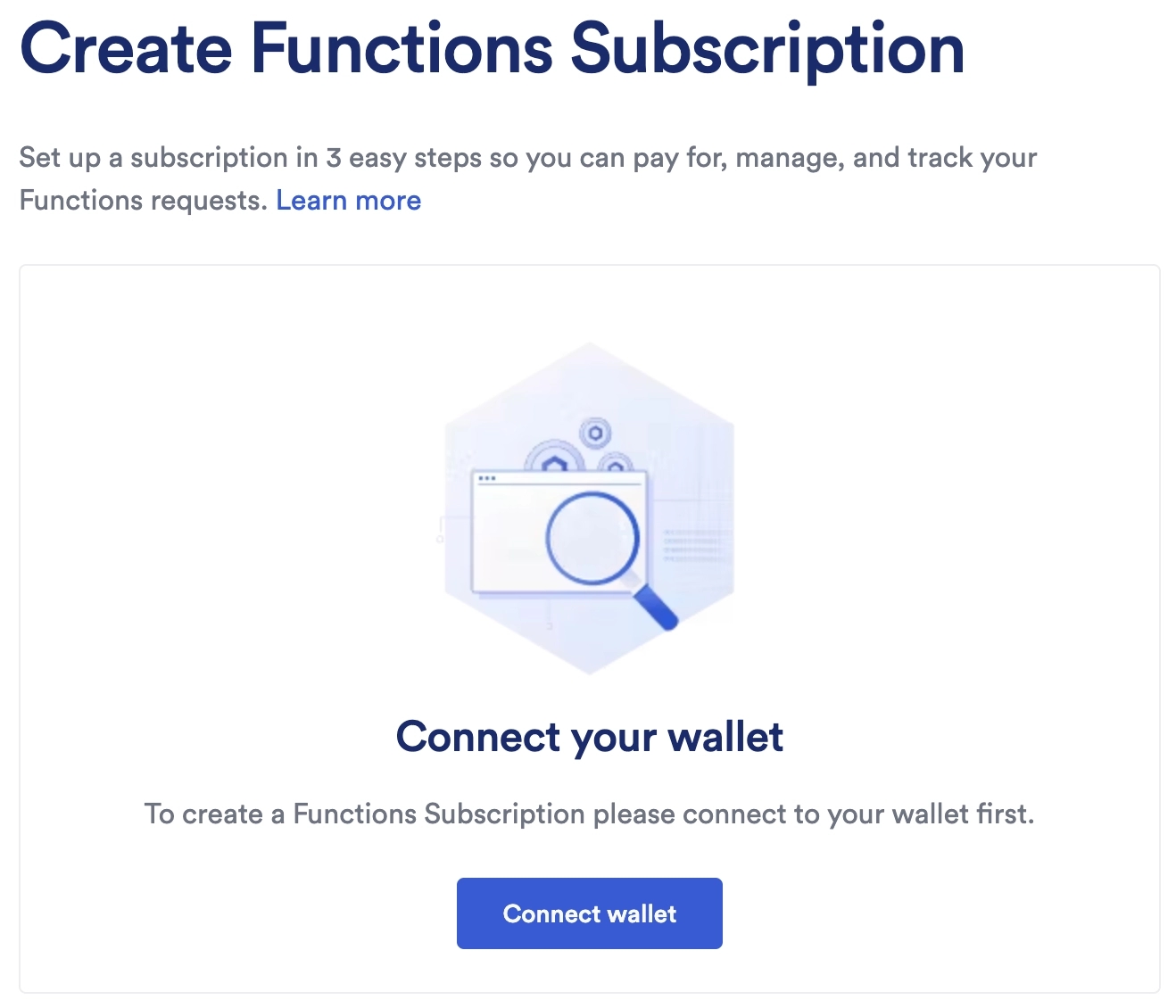
  1. Click Connect wallet:

  2. Read and accept the Chainlink Foundation Terms of Service. Then click MetaMask.

  3. Make sure your wallet is connected to the Avalanche Fuji testnet. If not, click the network name in the top right corner of the page and select Avalanche Fuji.

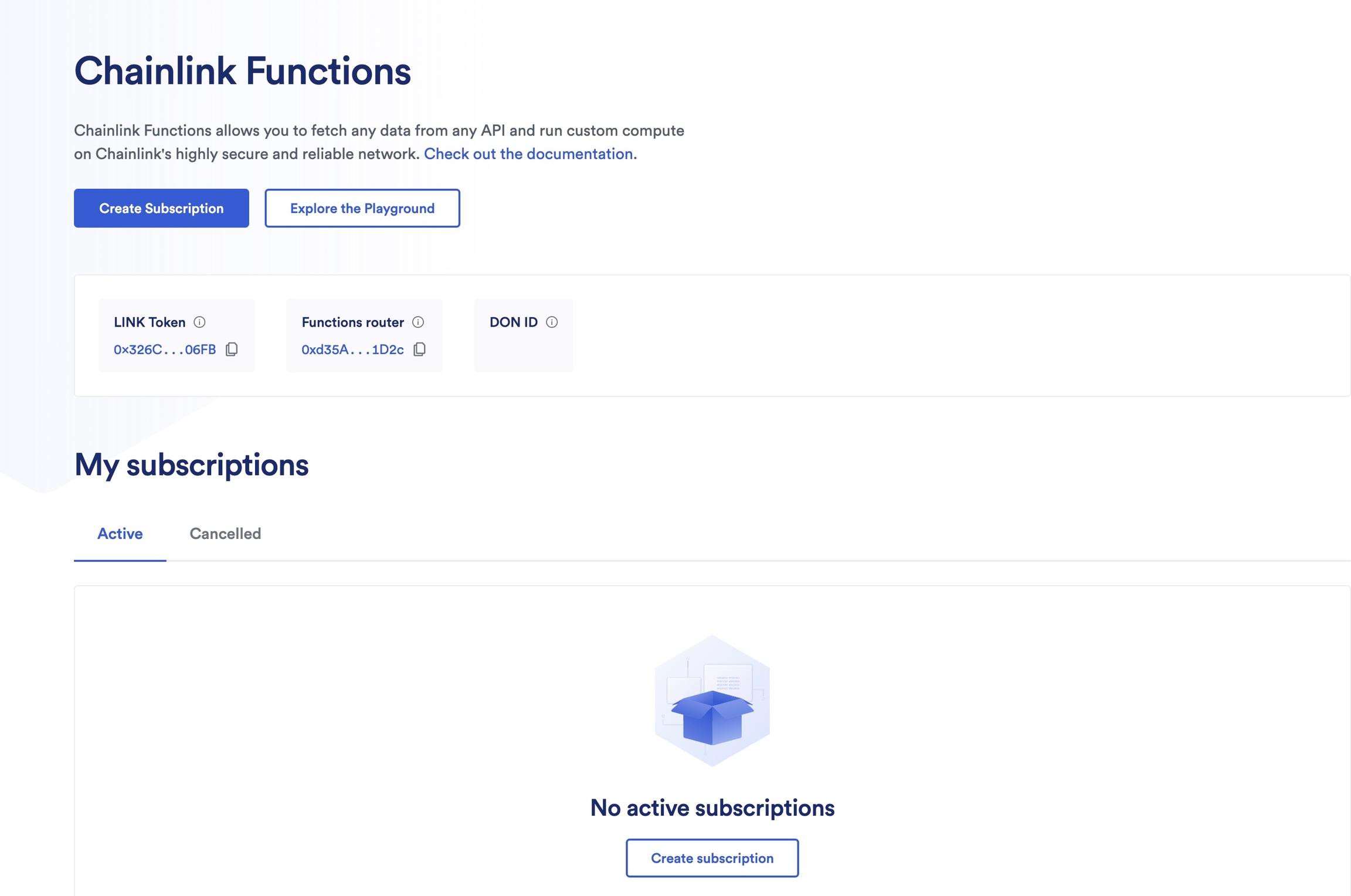
  4. Click Create Subscription:

  5. Provide an email address and a subscription name

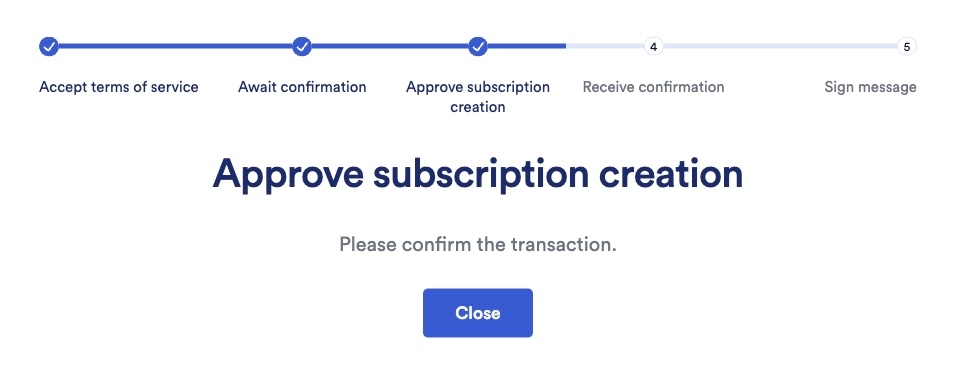
  6. Approve the subscription creation

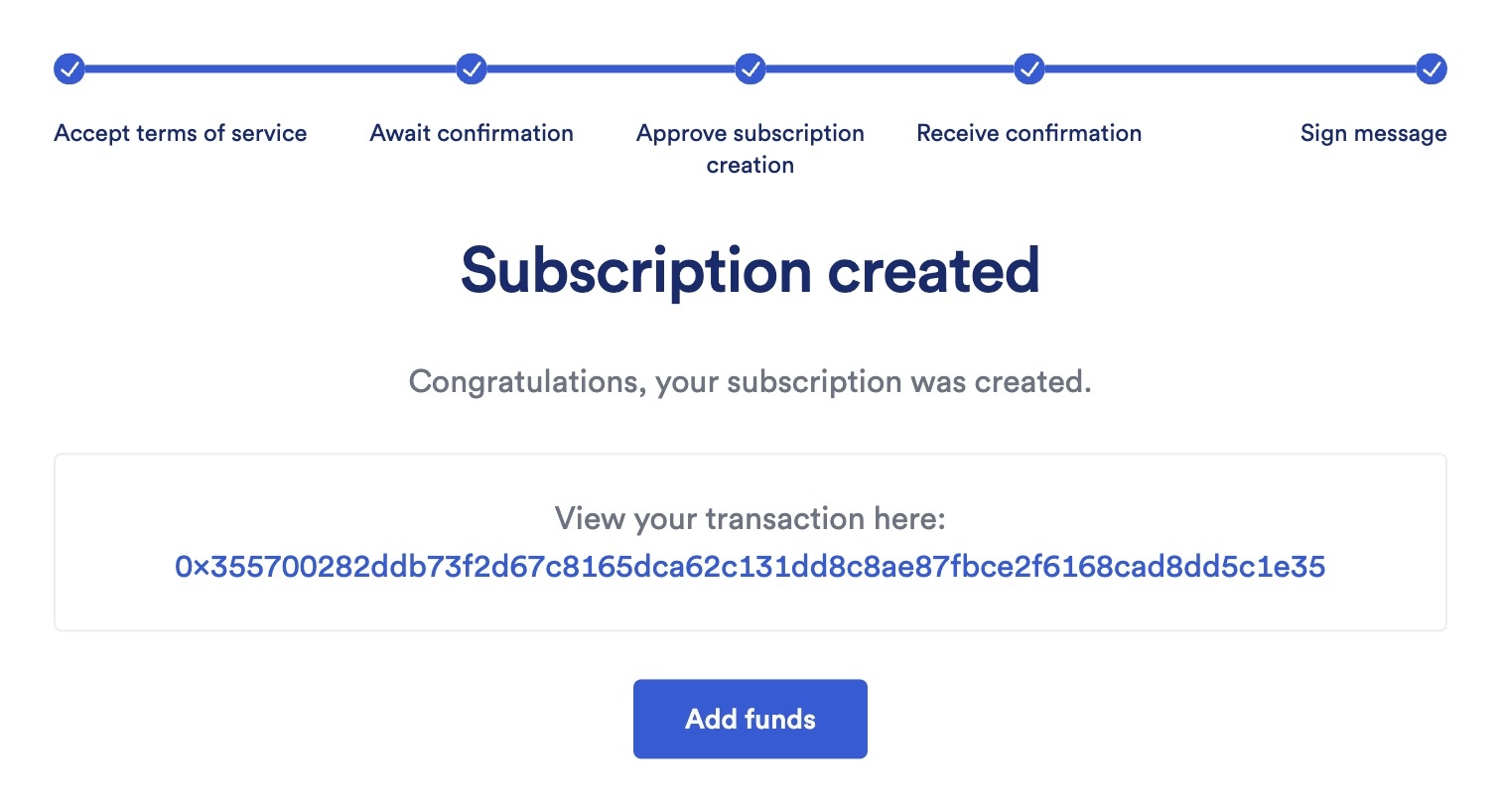
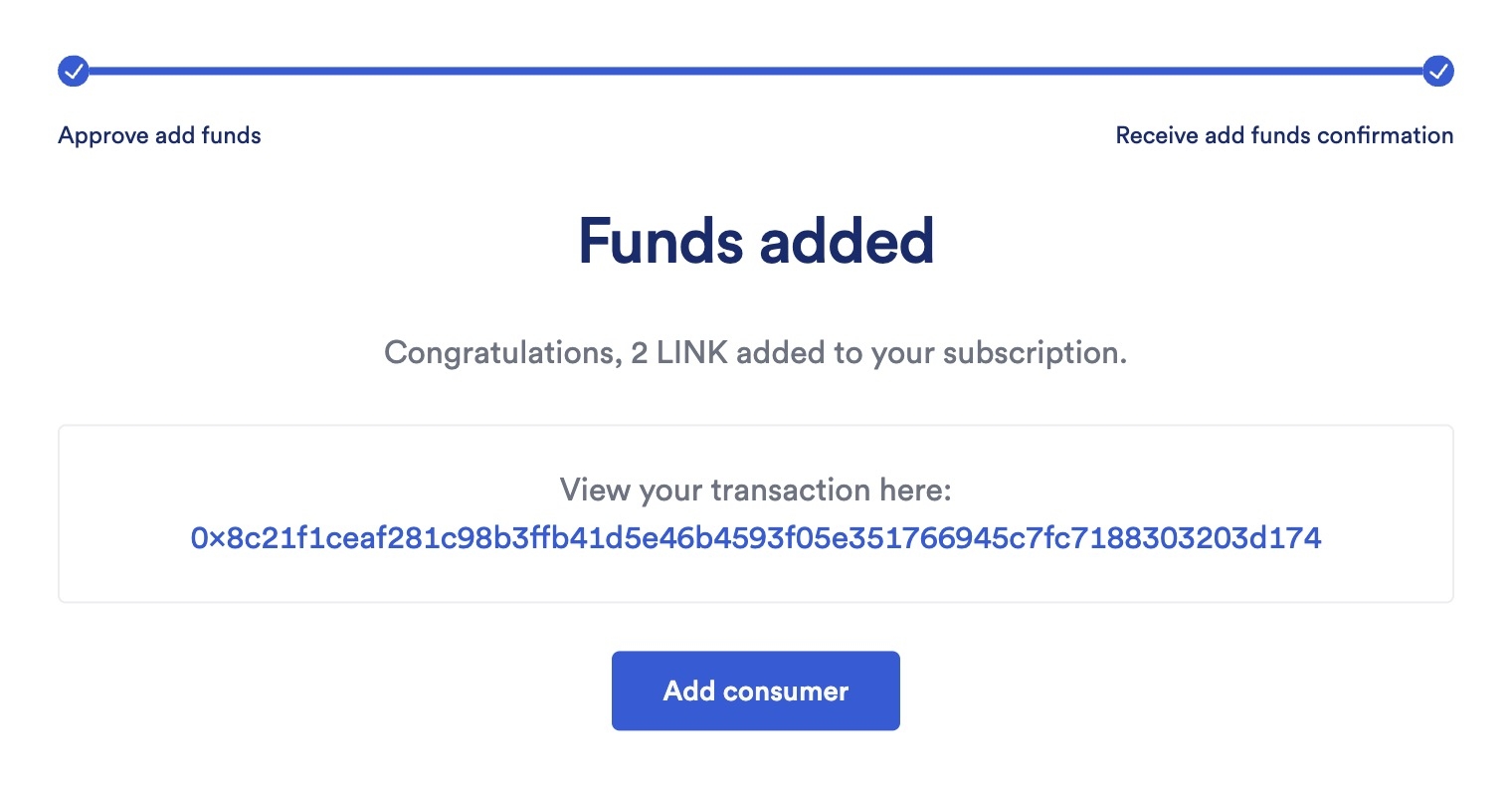
  7. After the subscription is created, the Functions UI prompts you to fund your subscription. Click Add funds and provide 10 LINK:

  8. After you fund your subscription, add Issuer.sol and RealEstateToken.sol smart contracts as consumers to it.

  9. Remember your Subscription ID

Call the issue function of the Issuer.sol smart contract

To issue an ERC-1155 token to Alice, call the issue function of the Issuer.sol smart contract from the address you used to deploy that contract, and provide:

  • to: Alice's wallet address (put any address you own)

  • amount: 20

  • subscriptionId: The Chainlink Functions Subscription ID you just created

  • gasLimit: 300000

  • donID: 0x66756e2d6176616c616e6368652d66756a692d31000000000000000000000000 (fun-avalanche-fuji-1)

circle-exclamation
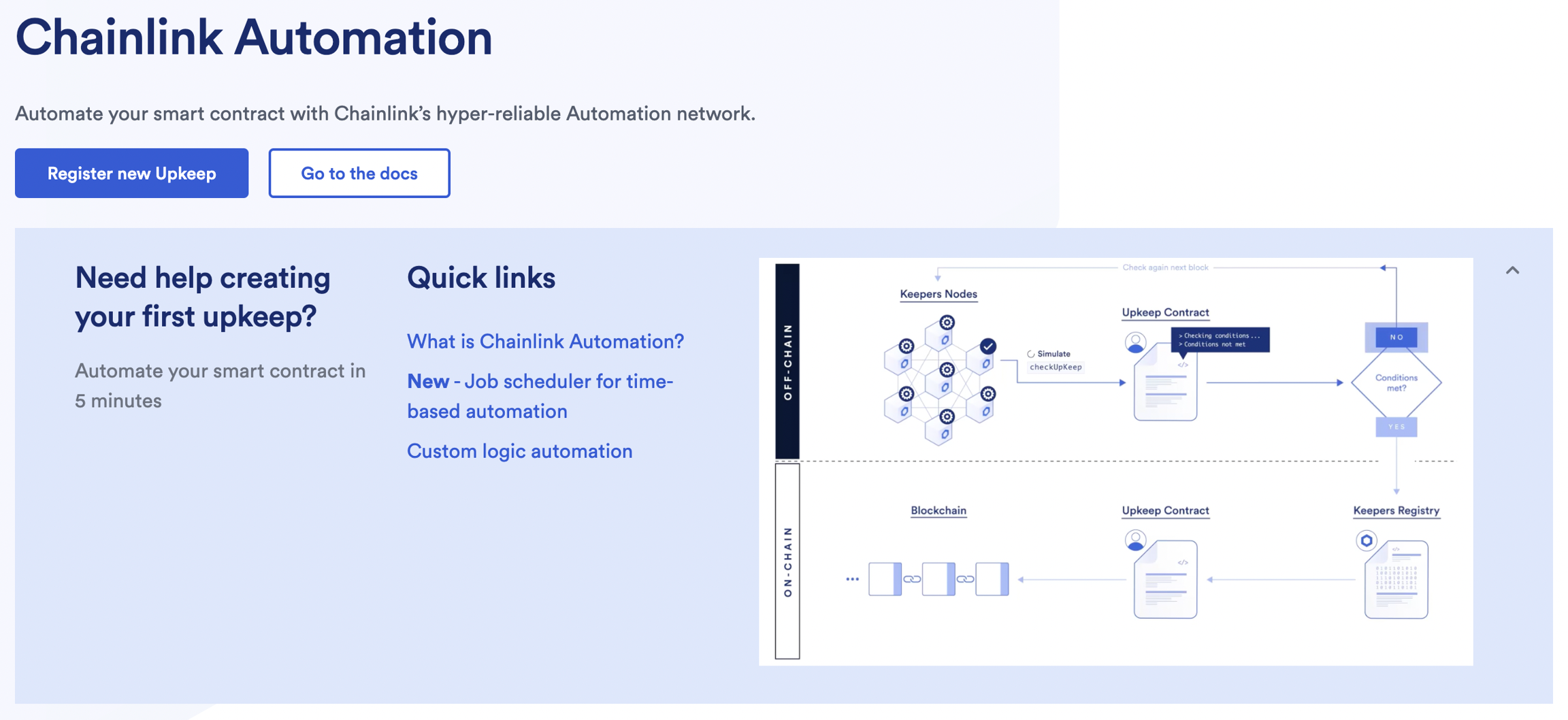
  1. In the Chainlink Automation Apparrow-up-right, click the blue Register new Upkeep button

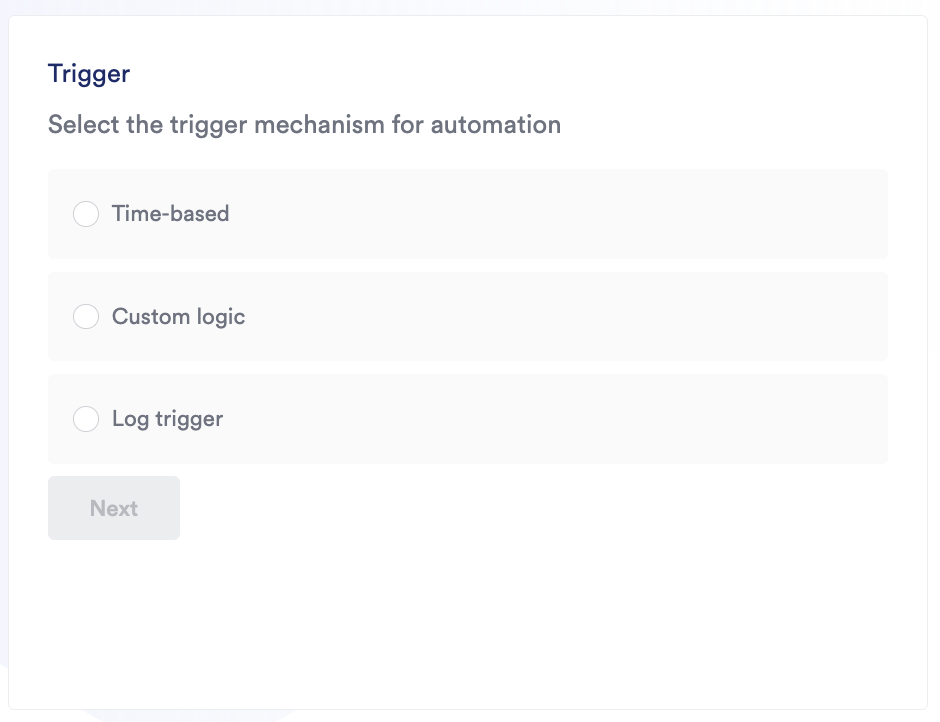
  2. Select Time-based trigger

  3. Provide the address of the RealEstateToken.sol smart contract as a "Target contract address"

  4. After you have successfully entered your contract address and ABI, specify your time schedule in the form of a CRON expressionarrow-up-right. We will call the updatePriceDetails every 24 hours. The CRON expression we need to provide is 0 0 * * * (this expression means that the function will be triggered every day at 00:00h)

  5. Provide "Upkeep name" of your choice. Provide 300000 as "Gas limit". Set 5 LINK tokens as "Starting balance (LINK)"

  6. Click Register upkeep and confirm the transaction in MetaMask

Call the setAutomationForwarder function of the RealEstateToken.sol smart contract

Each registered upkeep under the Chainlink Automation network has its own unique Forwarder contract. You can find its address from your Chainlink Automation Upkeep dashboard.

Call the setAutomationForwarder function of the RealEstateToken.sol smart contract and provide:

  • automationForwarderAddress: The address of the Forwarder contract

Enable Cross-chain transfers

To enable cross-chain transfers follow next steps:

  1. Deploy the RealEstateToken.sol smart contract on new blockchain

  2. Call the enableChain function and provide chainSelector, xNftAddress and ccipExtraArgs for each of other blockchains you have deployed the RealEstateToken.sol smart contract previously. At this point, that's only Avalanche Fuji.

  3. On all other blockchains you have deployed the RealEstateToken.sol smart contract previously (currently only Ethereum Sepolia) call the enableChain function and provide chainSelector, xNftAddress and ccipExtraArgs of the new blockchain you've just deployed new RealEstateToken.sol smart contract to.

Last updated